Now on Samsung & LG · More platforms coming soon
Your playlist. Every screen.
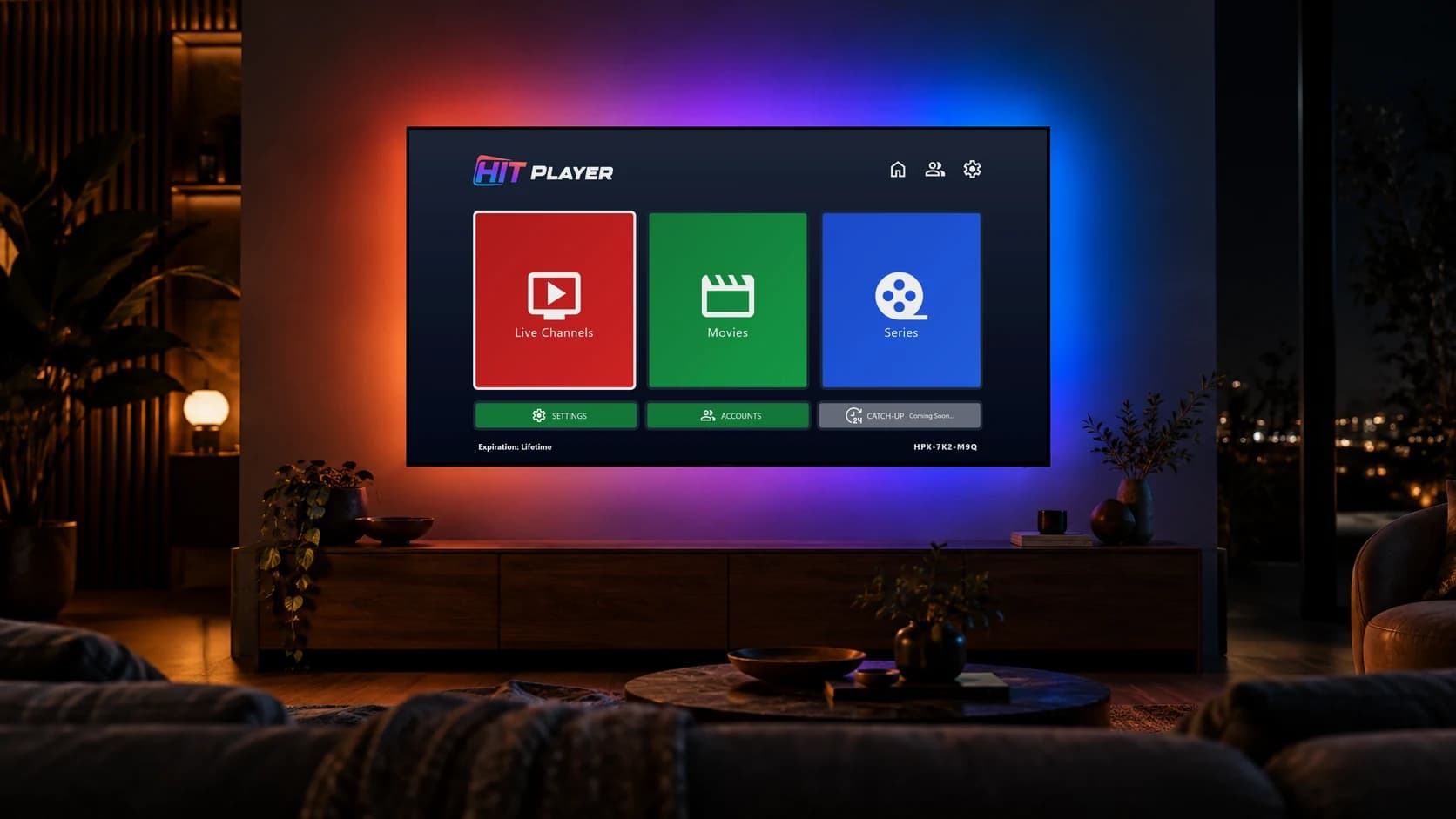
Hit Player is an IPTV player for your own M3U playlist: live TV with a TV guide, movies and series. Available now on Samsung and LG Smart TVs — Android, Apple, Fire TV, Roku and more coming soon.
- 7-day free trial
- From $3 a year
- No channels included — bring your own playlist
Hit Player at a glance
- Available now on
- Samsung Smart TV (Tizen OS) and LG Smart TV (webOS)
- Coming soon to
- Android TV & Google TV, Amazon Fire TV, Apple TV, Roku, Android phones & tablets, iPhone & iPad, Windows, macOS, Hisense VIDAA and web browsers
- Get it from
- Samsung Apps and LG Content Store
- Playlist formats
- M3U / M3U8 URL or your provider's server URL, username and password
- What you can watch
- Live TV with TV guide (EPG), movies and series
- Free trial
- 7 days, starts automatically on first launch
- Price
- $3 per year or $24 lifetime, per device
- App languages
- English and Turkish
- Channels included
- None — Hit Player is a media player only
Now on Smart TVs. Soon on every screen.
Available now on Samsung and LG Smart TVs. Android, Apple, Fire TV, Roku, Windows, macOS and more are on the way.
Available now
Samsung Smart TV
Samsung Smart TVs with Tizen OS · Available on Samsung Apps
Install guide
LG Smart TV
LG Smart TVs with webOS · Available on LG Content Store
Install guide
Coming soon
Features
Everything you need. Nothing you don't.
Built for the big screen first: fast, clean and designed for the TV remote.
Movies & series, beautifully organised
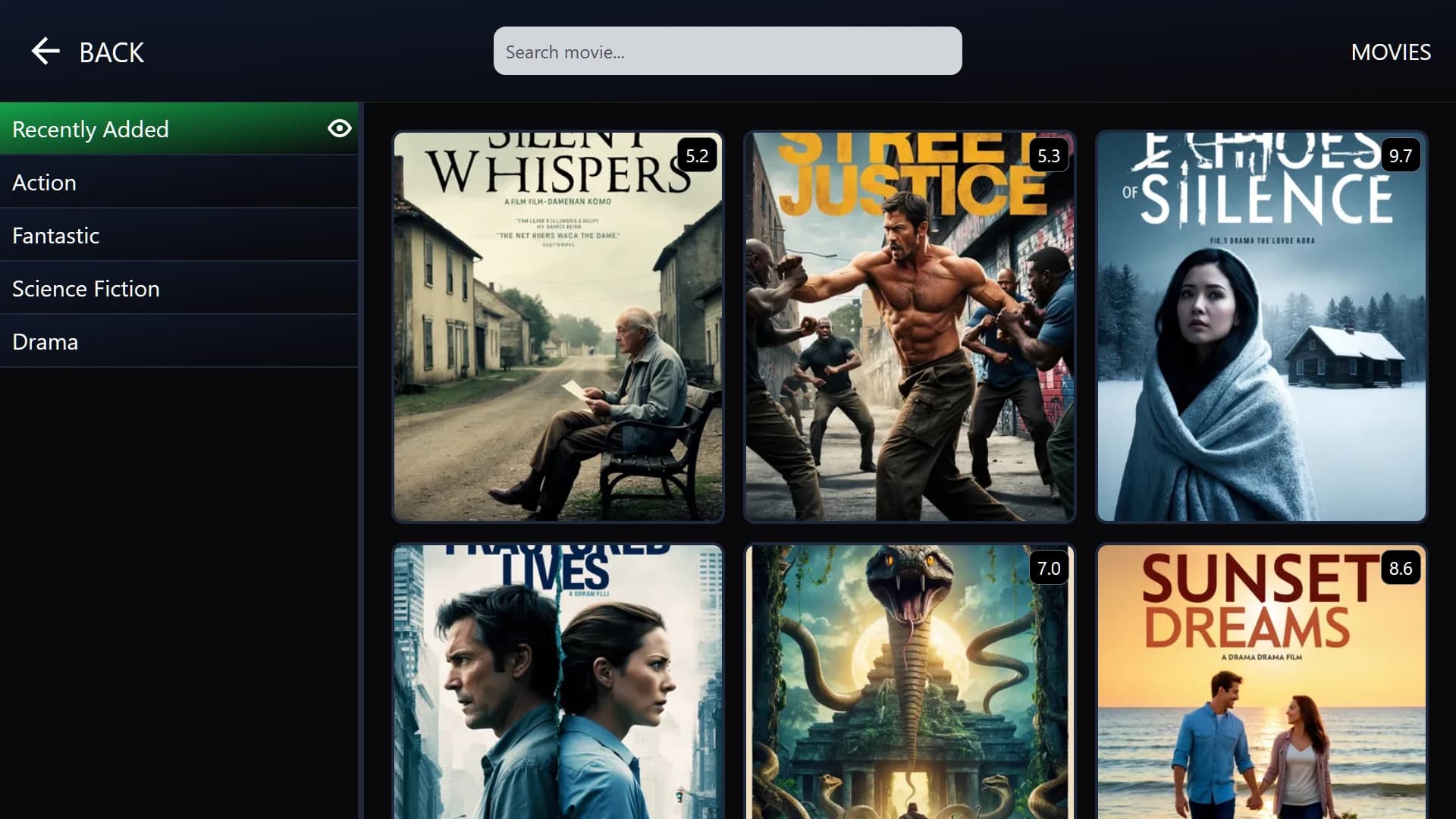
Posters, ratings, trailers and cast details from your provider, sorted into categories with a Recently Added row.
Live TV with a TV guide
Browse channels by category, keep your favourites at the top and see what's on now and next with the built-in EPG.
Learn more- Now & next
- Categories
- Favourites
Works with your playlist
Add an M3U / M3U8 playlist URL, or sign in with the server URL, username and password from your provider.
Learn more- M3U
- M3U8
- Server login
Multiple playlists
Add several playlists and switch between them in seconds.
Continue watching
Pick up movies and episodes exactly where you left off.
Instant search
Find any movie or series by title as you type.
Subtitles & audio tracks
Switch subtitle and audio language during playback on Samsung TVs.
Set up with your device ID
Your provider can send playlist details straight to your TV using its device ID — no typing long URLs with the remote.
Always up to date
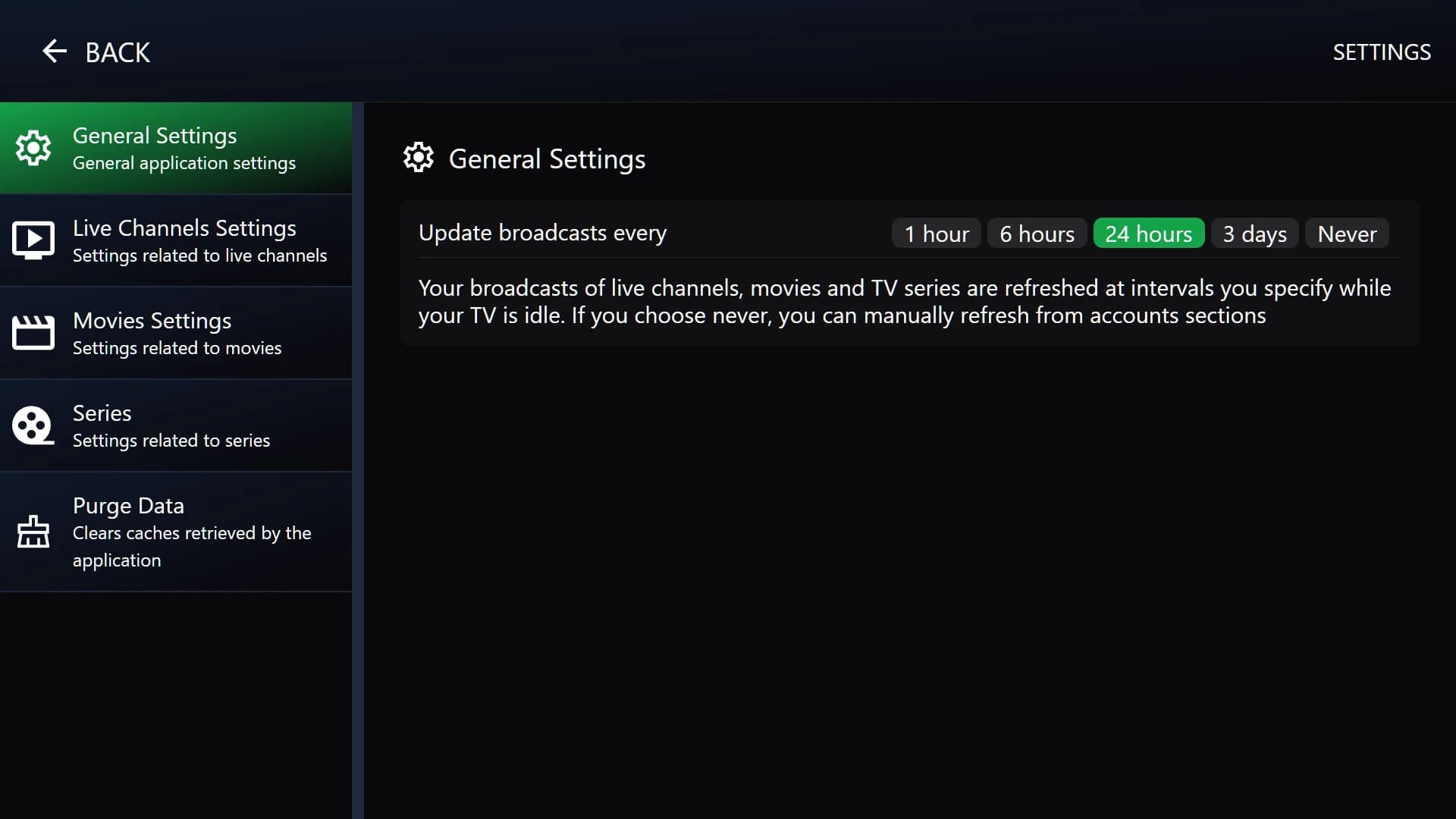
Channels, movies and series refresh automatically on the schedule you choose.
How it works
Up and running in three steps
- 01
Install the app
Open Samsung Apps or the LG Content Store on your TV, search for “Hit Player” and install it.
- 02
Add your playlist
Add your M3U playlist URL or provider login under Accounts. Your 7-day free trial starts right away.
- 03
Press play
Watch live TV, movies and series. When the trial ends, activate your TV with an activation code.
Pricing
Simple, honest pricing
One license per device. We never sell channels or subscriptions — only the player.
Free trial
$0for 7 days
- Every feature unlocked
- Starts on first launch
- No payment details needed
Annual
$3per year
- All features
- Updates included
- Email support
Lifetime
$24one-time
- All features, forever
- Lifetime updates
- Priority support
Have an activation code from a reseller? Enter it in the app when your trial ends.
A player, not a provider
Hit Player does not provide, sell or host any channels, playlists or subscriptions. You need your own playlist from a provider you are legally entitled to use. We do not support piracy.
hitiptvplayer.com is the only official Hit Player website.
FAQ
Frequently asked questions
Everything you need to know before you install Hit Player.
What is Hit Player?
Hit Player is an IPTV player app for Samsung (Tizen) and LG (webOS) Smart TVs. It plays the live channels, movies and series from your own IPTV playlist. It does not come with any content.
Does Hit Player include channels?
No. Hit Player is only a media player. You need a playlist from a provider, and you are responsible for making sure you have the right to watch that content.
Which devices does Hit Player work on?
Hit Player is available now on Samsung Smart TVs (Tizen OS) and LG Smart TVs (webOS). Versions for Android TV and Google TV, Amazon Fire TV, Apple TV, Roku, Android phones and tablets, iPhone and iPad, Windows, macOS, Hisense VIDAA and web browsers are in development.
When will Hit Player be available on other platforms?
We haven't announced release dates yet. Each platform has its own page showing its current status. The Samsung and LG apps are available today with a 7-day free trial.
How do I install IPTV on a Samsung TV?
Open Apps on your Samsung TV, search for “Hit Player”, install it, then add your playlist under Accounts. Our Samsung guide shows every step.
How do I install IPTV on an LG TV?
Open the LG Content Store, search for “Hit Player”, install it and add your playlist. Our LG webOS guide walks you through each step.
Which playlist formats does Hit Player support?
M3U and M3U8 playlist URLs, plus the server URL, username and password login that most IPTV providers give you.
Is there a TV guide (EPG)?
Yes. Live TV shows programme information from your provider's EPG, so you can see what's on now and next.
How long is the free trial?
7 days. It starts automatically the first time you open the app on your TV, with every feature unlocked.
How much does Hit Player cost after the trial?
$3 per year or $24 once for a lifetime license. Each license covers one TV. Online payment is coming soon; until then you can activate with a code from a reseller.
Where do I find my device ID?
On the app's home screen, in the bottom-right corner (for example ABC-123-XYZ). Your provider or reseller may ask for it to activate your TV or send you a playlist.
Why does my IPTV keep buffering?
Buffering is almost always caused by the internet connection or the playlist provider's server. Use a wired connection if you can, restart your router and TV, and ask your provider whether their server is overloaded.
Is Hit Player legal?
Yes. Hit Player is a legal media player, like any video player. Whether a stream is legal depends on the content and your provider — only use playlists you are entitled to watch.
Is Hit Player safe to install?
Yes. Hit Player is installed from the official Samsung Apps and LG Content Store, which review apps before they are published, and it only plays the playlist you add. To stay safe, download Hit Player only from official app stores.
Still have a question?
Message our support team on WhatsApp.
Your TV is ready. Press play.
Install Hit Player from your TV's app store and try every feature free for 7 days.